Viral TikTok Editing: 10 Pro Tips to Master the Algorithm in 2026
Stop getting 200 views. Learn the pro-level TikTok editing tips for hooks, pacing, transitions, and sound design that the algorithm rewards. Go viral in 2026.
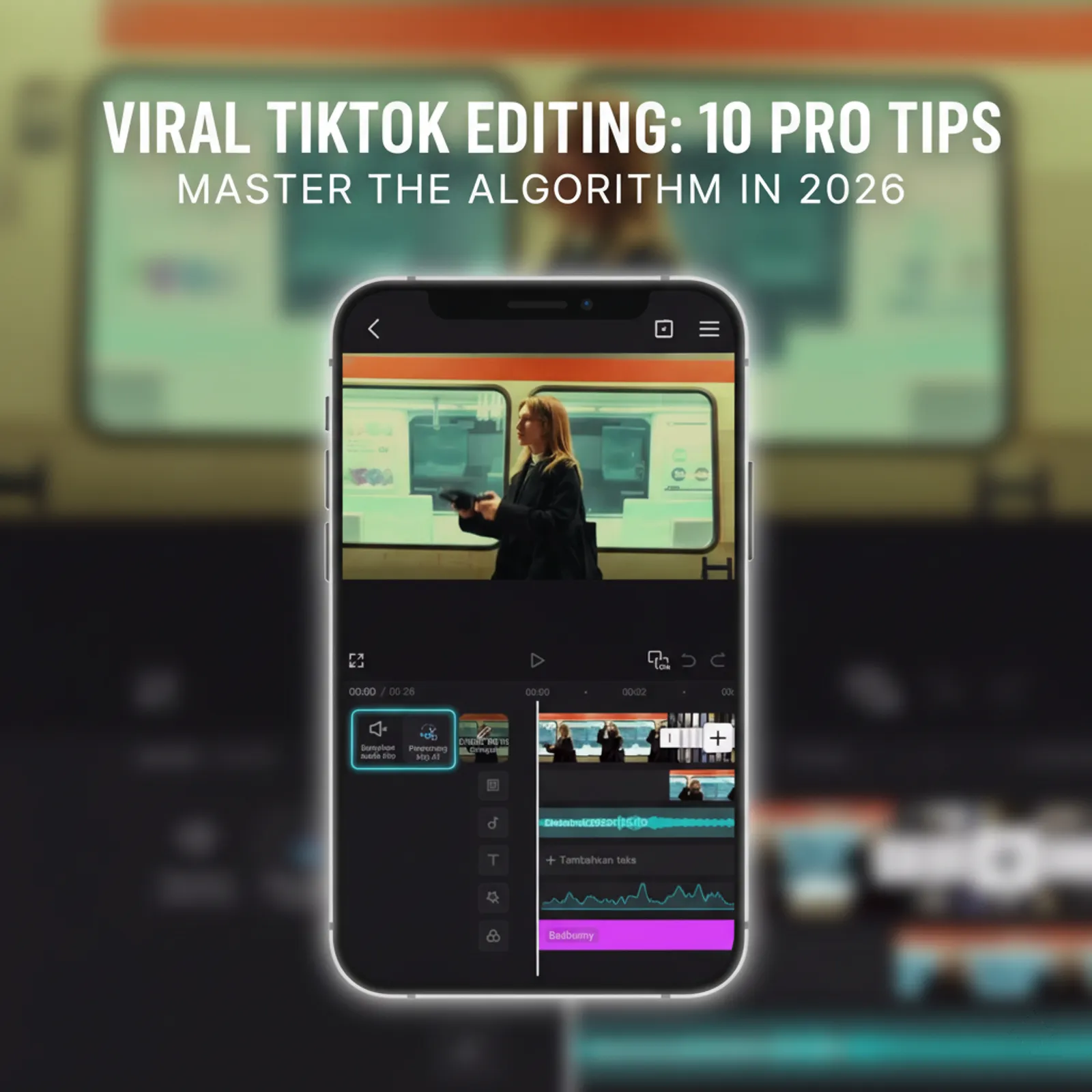
In 2026, a great idea isn’t enough to go viral on TikTok. The algorithm has one primary obsession: watch time. If viewers swipe away, your video’s reach dies instantly.
The secret to holding attention and dominating the For You Page (FYP) isn’t just what you film—it’s how you edit.
This guide breaks down the exact editing techniques top creators use to keep viewers hooked from the first second to the last. Forget basic tips; these are the professional strategies that work right now.
Table of Contents
- Part 1: The Core Principles of a Viral Edit
- Part 2: Visual Storytelling & Retention Tactics
- Part 3: Advanced Techniques for a Professional Polish
- Part 4: Your Editing Workflow & Toolkit
- Frequently Asked Questions (FAQ)
Part 1: The Core Principles of a Viral Edit
Before you even think about fancy effects, you must master the fundamentals. These two principles are non-negotiable for stopping the scroll.
1. Master the First 3 Seconds: The Art of the Hook
You have less than three seconds to give a user a reason to stop scrolling. Your opening is everything.
- Visual Hooks: Start with your most dynamic, surprising, or visually interesting clip. Don’t waste time on a slow intro or logo. Immediate movement is key.
- Text Hooks: Open with on-screen text that creates curiosity or promises value. Examples: “You’re making your coffee wrong if you do this…” or “3 editing mistakes everyone makes.”
- Audio Hooks: Use a trending sound or a bold, controversial statement to grab attention instantly. The first line of your voiceover should be your strongest.
2. Dictate the Pace: Eliminate Every Millisecond of Dead Air
Silence and slow moments are the enemies of watch time. Your edit needs to feel energetic and relentless.
- Aggressive Jump Cuts: Cut out every single pause, breath, “um,” and “ah” in your dialogue. The pacing should feel like a quick, rhythmic conversation.
- No Wasted Frames: If a visual isn’t actively contributing to the story, cut it. There should be zero seconds where nothing new is happening on screen.
Part 2: Visual Storytelling & Retention Tactics
With the foundation set, you can now layer in techniques to keep the viewer’s brain engaged.
3. Keep Their Eyes Moving: Dynamic Text & B-Roll
A static talking head is boring. You need to constantly reset the viewer’s attention.
- Animated Captions: Use auto-captions, but make key words pop with different colors, sizes, or simple animations. This technique forces engagement, even with the sound off.
- Illustrative B-Roll: Every 5-7 seconds, cut away to supplementary footage (B-roll) that shows what you’re talking about. This visual reset is crucial for maintaining focus.
- Pro Tip: Need relevant B-roll? Use a tool to download TikTok videos without a watermark to use as examples or reaction clips.
4. Create Seamless Flow with Purposeful Transitions
Amateur edits have jarring cuts. Pro edits use transitions to guide the story.
- Go Beyond Basic Wipes: Master transitions that feel integrated into the video.
- Whip Pan: Quickly pan the camera in one direction to transition to the next scene.
- Match Cut: End one clip on a specific shape or object, and start the next clip on a similar one.
- Zoom Transition: Quickly zoom into the screen and then zoom out on the next clip.
Part 3: Advanced Techniques for a Professional Polish
These are the subtle details that separate good content from great content.
5. Sound Design is 50% of the Video
Most creators just add a song. Top creators design an audio experience.
- Layer Your Audio: A great TikTok video has at least three audio layers: your primary audio (voiceover/dialogue), background music (at 5-15% volume), and sound effects (SFX).
- Emphasize with SFX: Add subtle “whoosh,” “pop,” or “click” sound effects to match on-screen text and visual changes. This makes the video feel more dynamic and satisfying.
- Pro Tip: Find the perfect audio by using a TikTok sound downloader to save audio clips for your editing software.
6. The Perfect Loop: The Secret to High Re-Watches
A video that loops seamlessly is one of the most powerful algorithm hacks. It tricks viewers into re-watching, which skyrockets your watch time.
- The Formula: End your video with a sentence or visual that flows perfectly back into the beginning.
- Example End: “…and that’s the main reason you should always…”
- Example Start: “…use this editing trick for all your videos.”
7. Simple Color Grading for a Signature Look
You don’t need to be a Hollywood colorist. A consistent visual style makes your content recognizable.
- Find Your Filter: In an app like CapCut, experiment with the “Filters” and “Adjust” tabs. Find a look you like and apply it consistently to all your clips.
- Boost Saturation & Sharpness: A slight boost in saturation and sharpness can make smartphone footage look much more professional and “pop” on the screen.
Part 4: Your Editing Workflow & Toolkit
Great editing requires the right tools and a smart process.
8. The Essential TikTok Editing Stack for 2026
- CapCut: This is the undisputed king of TikTok editing. It’s free, powerful, and made by the same parent company as TikTok, so its features are perfectly integrated.
- MediaTools: Essential for sourcing clean, high-quality assets. You can download TikToks, grab sounds, or even get HD thumbnails for inspiration.
- Other Options: While CapCut is recommended, you can explore other tools in our complete guide to the best free video editors for TikTok.
9. Study Your Retention Graph
Your TikTok Analytics are your report card.
- Go to a video’s analytics and look at the video retention graph.
- Big drop in the first 3 seconds? Your hook failed.
- Steady decline in the middle? Your pacing was too slow, or you lacked visual variety (B-roll, text).
- No spike at the end? Your loop wasn’t effective, or the video didn’t provide enough value to re-watch.
10. Consistency Over Perfection
The final tip is to practice. Your first edit won’t be perfect. The key is to implement one new technique from this list in each new video you create. Over time, these skills will become second nature.
Frequently Asked Questions (FAQ)
Q: How long should a TikTok video be in 2026? A: While TikTok allows longer videos, the sweet spot for most content is still 15-30 seconds. This length makes it easier to achieve a high average watch time percentage.
Q: What’s more important: video quality or editing style? A: Editing style. A well-edited video shot on an older phone will almost always outperform a boring, poorly-edited video shot in 4K. The algorithm prioritizes engagement, which is driven by the edit.
Q: Can I go viral without using trending sounds? A: Yes, but it’s harder. Trending sounds are a shortcut to getting your video in front of a wider audience. If you use original audio, your editing and hook need to be exceptionally strong.
Conclusion
In the competitive landscape of TikTok in 2026, you can’t afford to ignore video editing. It’s the language of the platform and the single biggest lever you can pull to increase watch time and please the algorithm.
Start small. Pick one tip from this guide and apply it to your next video. Master the hook, tighten your pacing, and watch your analytics improve.